AI image generation, image editing, and writing — in one studio
From AI images to documents, proofreading, and social posts. Enter a prompt and get results in seconds.
A magical toolbox
From affordable fast models to the latest high-performance models — AI tools you can choose to fit your needs.






Every AI tool, one workspace
Image generation, image editing, and writing tools built on the latest AI models from leading providers.
Image Generation & Editing
Generate images from text. Refine every detail with background removal and style transfer.
- • Text-to-Image Generation
- • AI-assisted automatic prompt generation
- • Beautification & Style Transfer
Document Writing AI
From blogs and social posts to business documents. Generate high-quality text instantly.
- • SEO Optimized Articles
- • Social Media Posts
- • Proofreading & Correction
Entertainment & Characters
Fun conversations with AI characters, fortune telling, story generation, and more.
- • Gal-chan Bot
- • Tarot Reading
- • Story Generation
From sign-up to your first result in about 30 seconds
- 1
Create an account
Sign in with an existing account such as Google or Apple. No credit card required.
- 2
Pick a tool or template
Choose from the tool list, or start from a template that already contains a proven prompt.
- 3
Generate and reuse
Enter a prompt and run. Results are saved to History and Gallery automatically for download and re-editing.
AI Image Generation Demo
Generate images for online ads
Create trend-forward ad creatives that look designed by a professional.
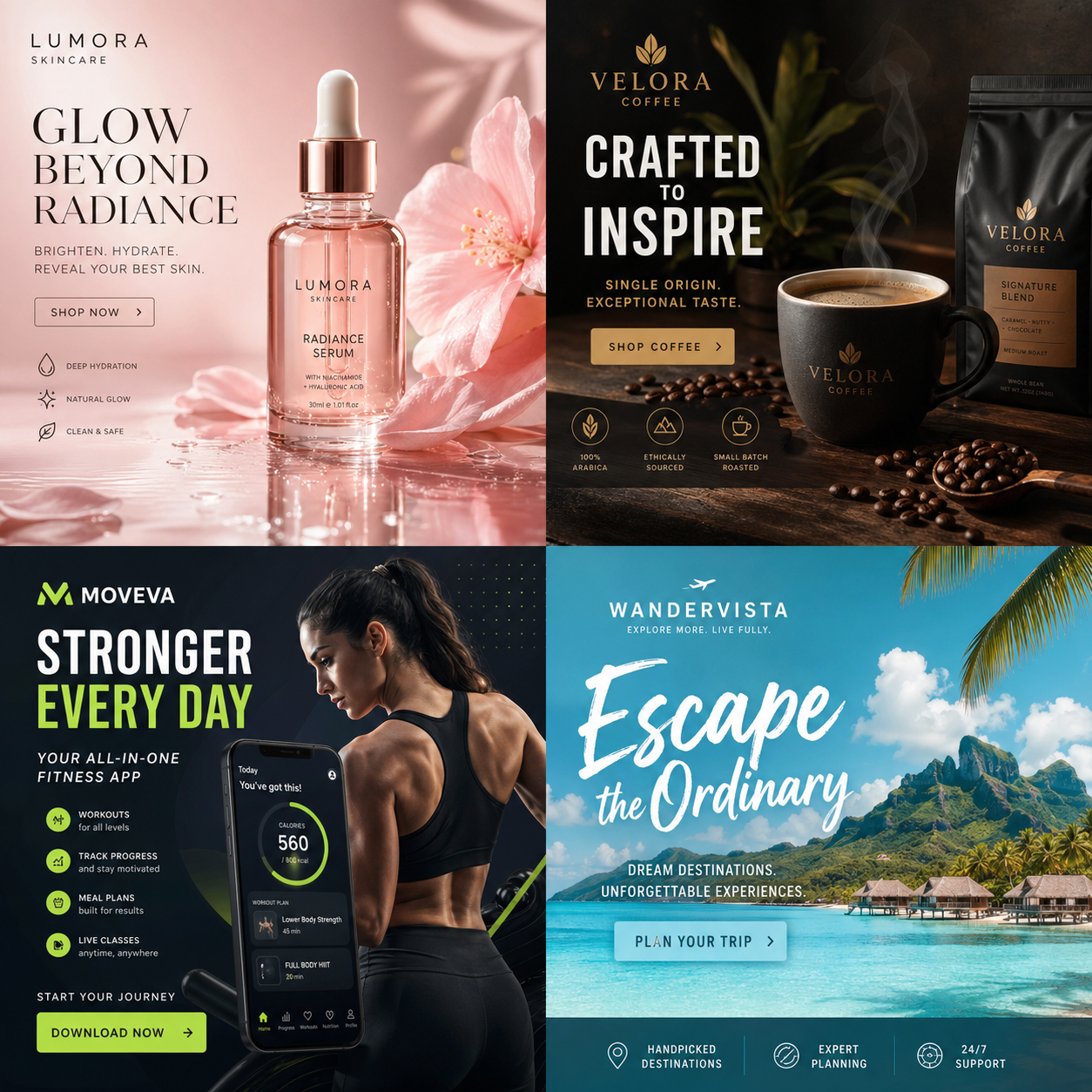




Set custom width and height for everything from ad banners and social posts to landing-page visuals. Start from a template or write freely to create commercial-ready first drafts fast.
Image Editing Demo
AI Photo Editing Before/After
See the results of AI beautification and ID photo generation with sample images.
Natural Beautification to Enhance Impressions

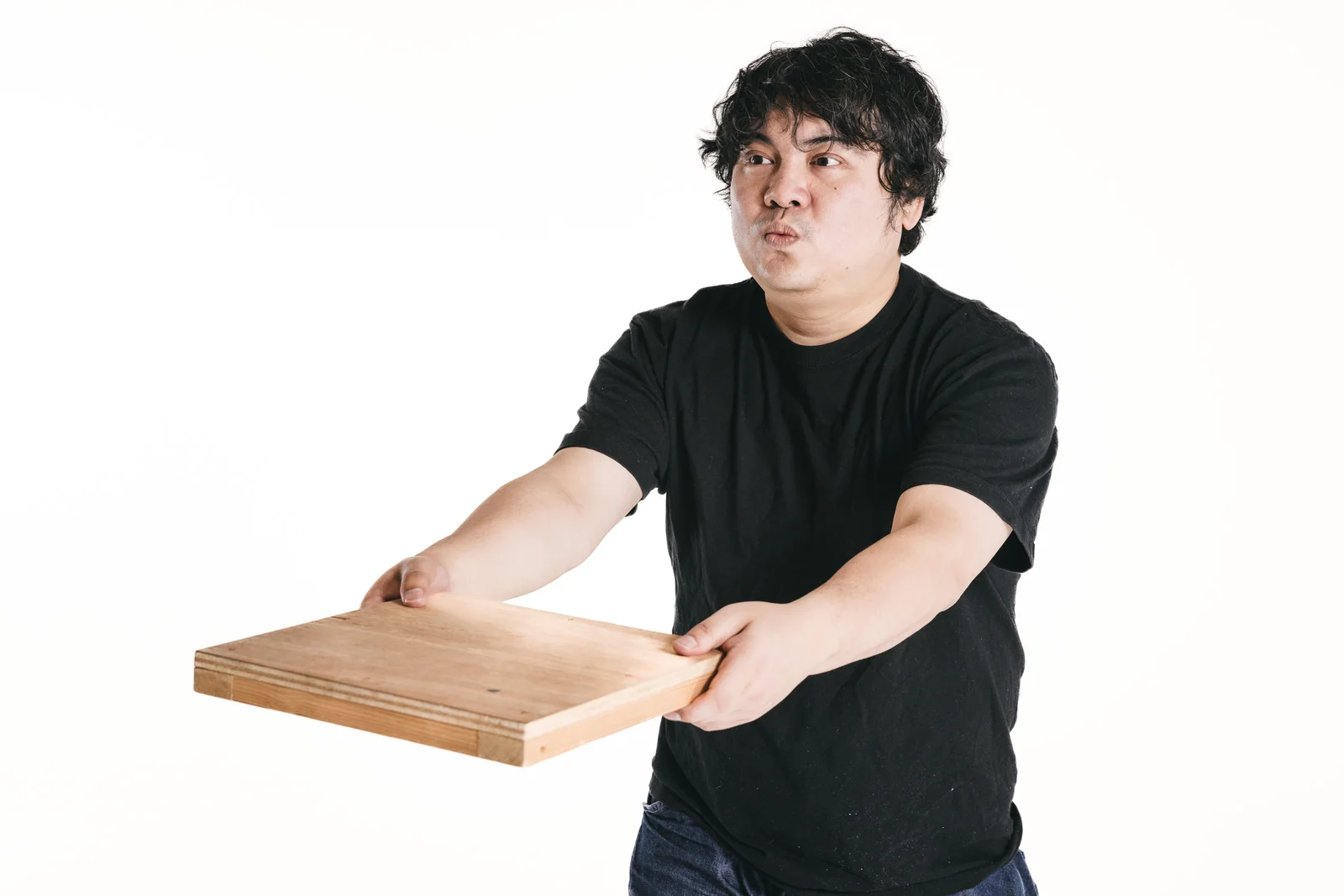
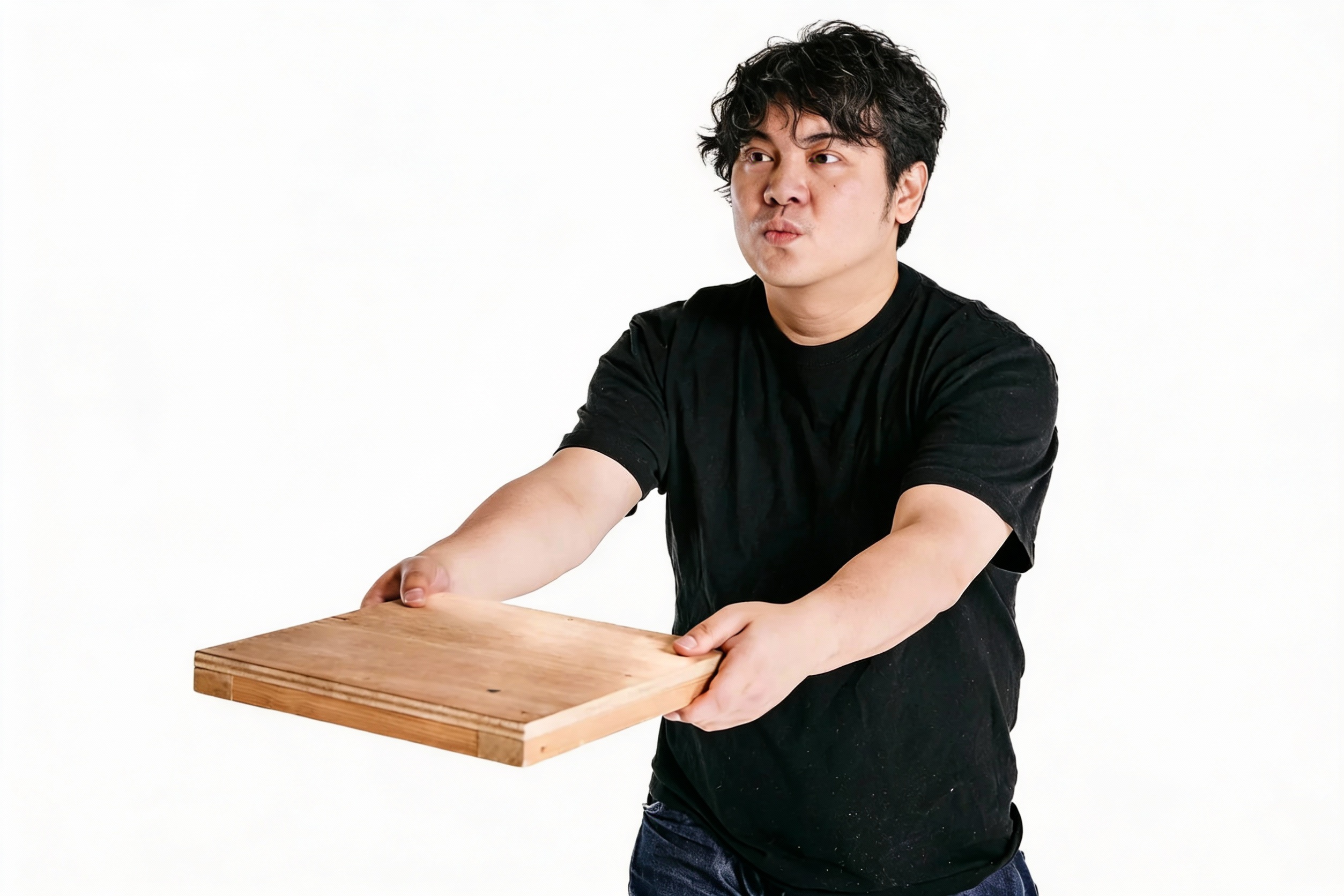
* Sample image generated for demo. Use Photo Studio to easily create similar before/after results with your own photos.
ID Photos for Resumes and Applications
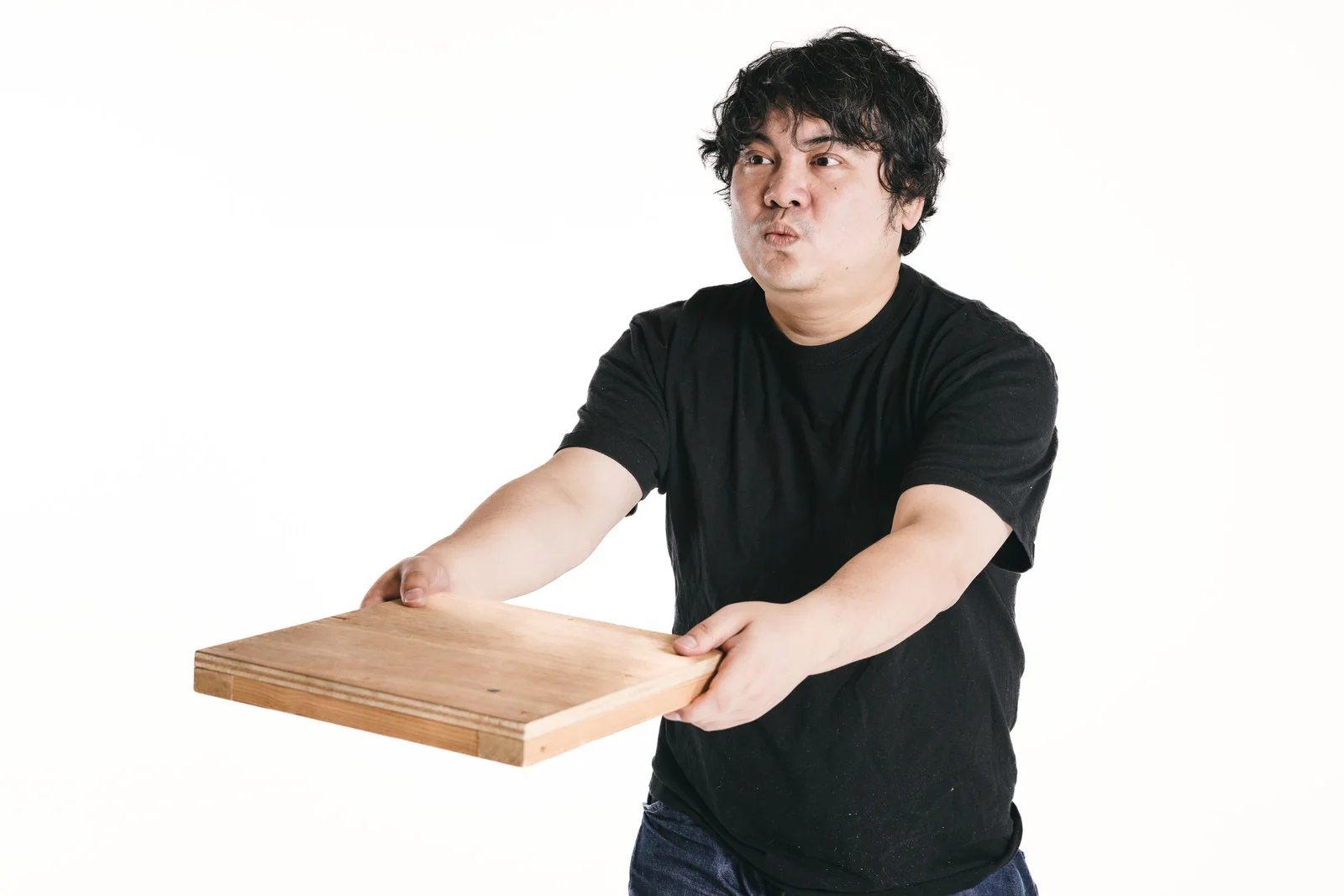
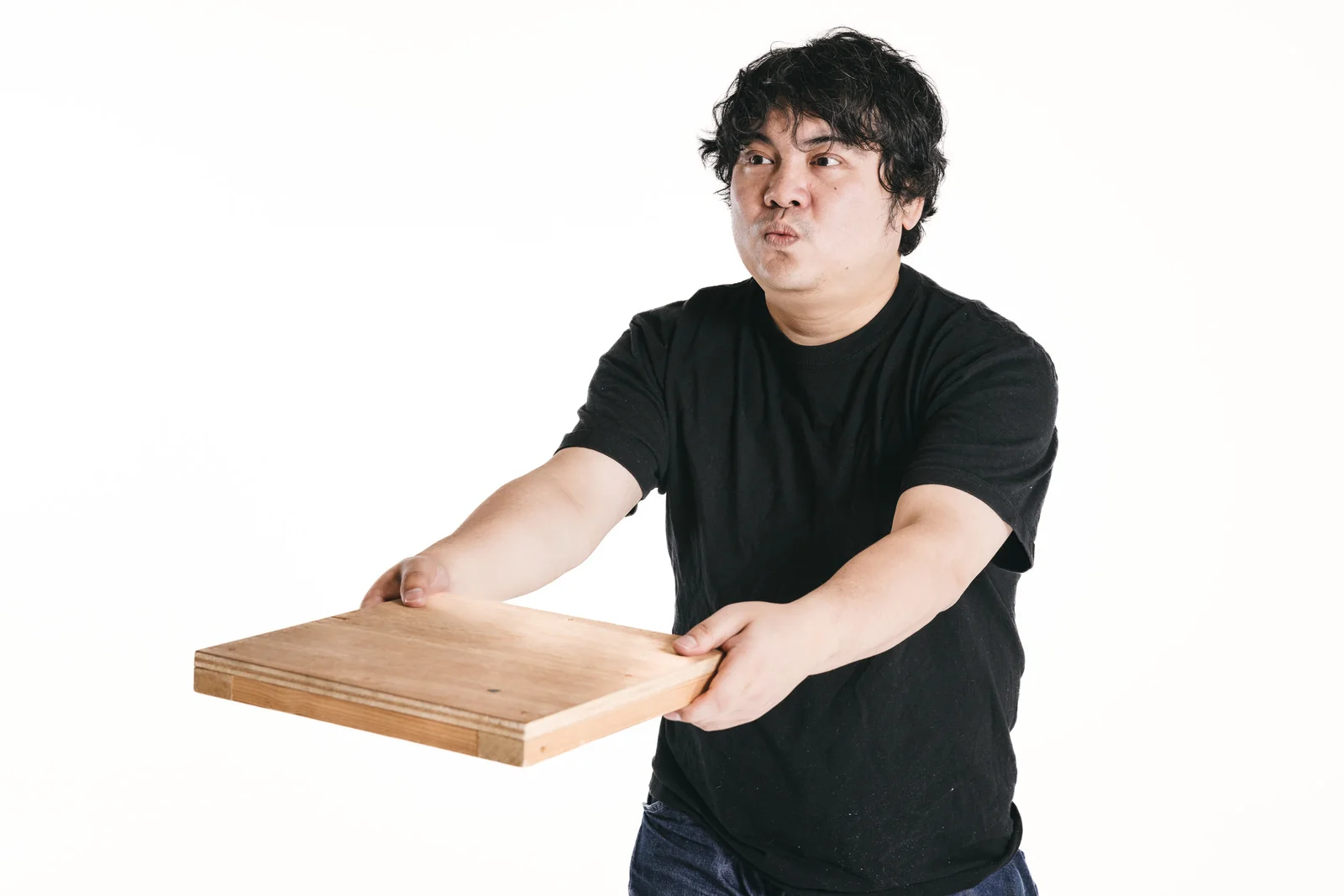

* Using the ID Photo preset, you can automatically generate ID photos for Japanese resumes, various passports, and more.
Photoshop-Quality Rich Text Effects


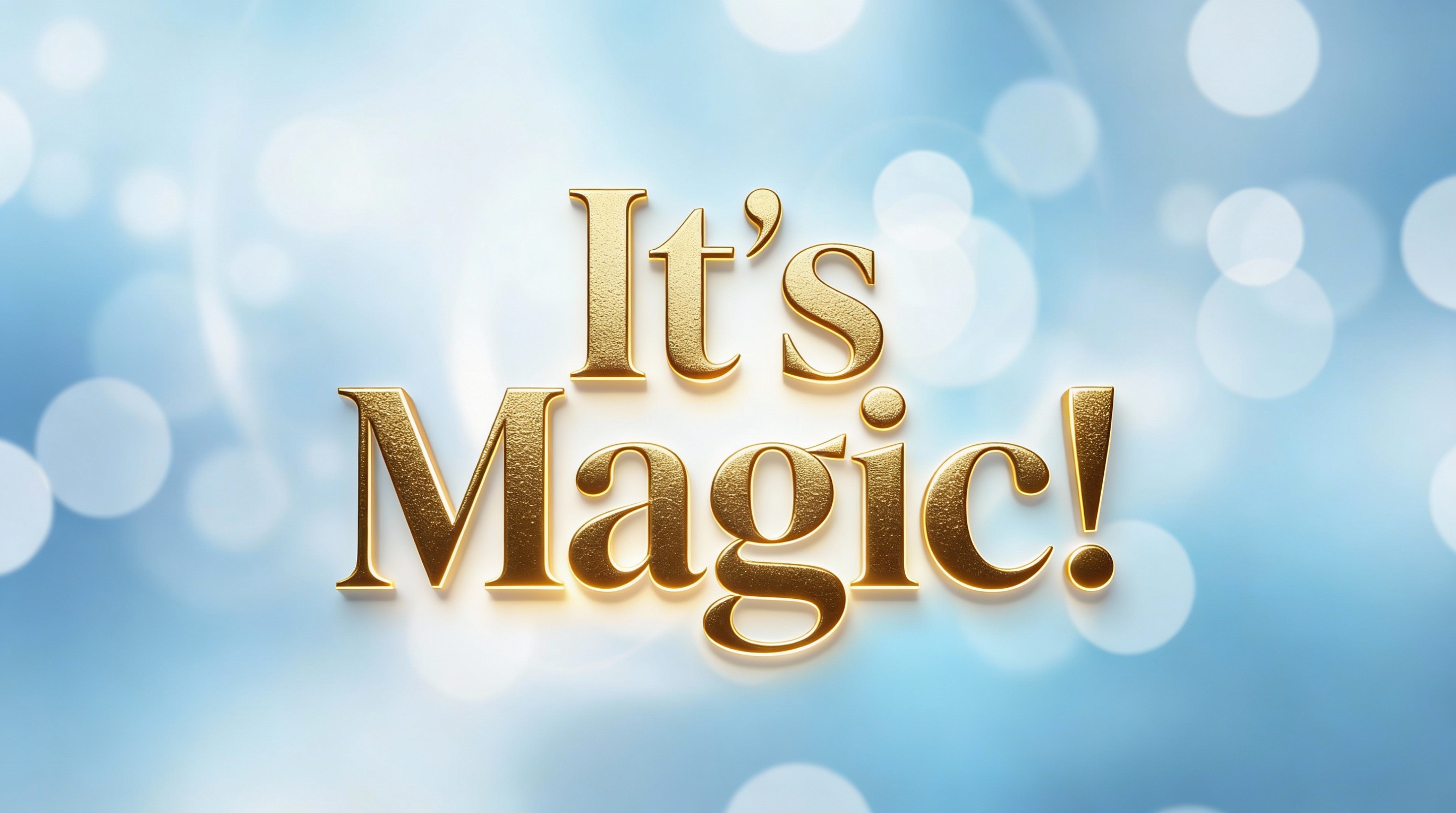
* Add pro-level text decorations like gradients, glows, and 3D effects with AI in seconds.
Instant High-Impact Video Thumbnails

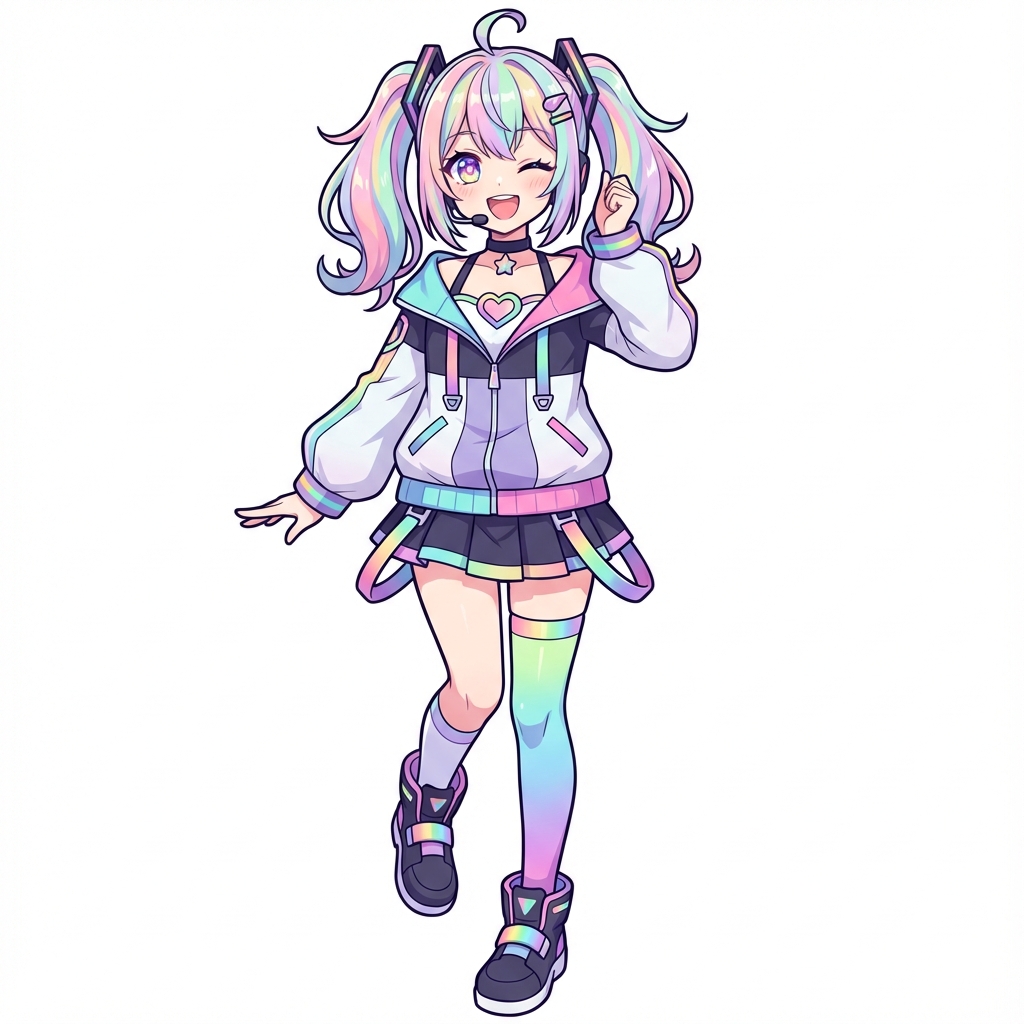

* Use the Video Thumbnail template to easily create eye-catching YouTube-style thumbnails.
Background replacement, skin retouching, style transfer, ID photos, thumbnails — AI unlocks limitless possibilities from a single photo. Start quickly with templates or fine-tune with free-form descriptions. From affordable fast models to cutting-edge pro models, get pro-quality results in seconds.
What you can do with WizStudio
Marketing & e-commerce
Produce product images, ad thumbnails, SEO copy, and social posts in-house — in minutes, without outsourcing.
Content production
Create video thumbnails, blog illustrations, summaries, and platform-ready post drafts from a single workspace.
Business documents
Draft proposals and reports, summarize meeting notes, and proofread emails before they go out.
Personal creative work
Develop story outlines, character art, and visual experiments — from first idea to finished piece.
Why teams pick WizStudio over separate AI subscriptions
✓One subscription, many tools
A single plan covers image generation, image editing, and every writing tool. No per-tool fees.
✓Templates that work first try
Curated prompt templates for images and documents, so you get usable results without prompt engineering.
✓Everything saved automatically
Generations are stored in your History and Gallery. Past work can be reused and re-edited anytime.
✓Your data stays under your control
Generations are private to your account, and you can delete your account and data anytime from Settings.
Plans
Free

Free
- Free AI usage
- AI Tools (Basic)
- History kept for 10 days
Light

USD 7.00/month
- Monthly AI usage limit: 1,500
- AI Tools (Basic)
- AI Tools (Premium)
- Unlimited history retention
Pro

USD 17.00/month
- Monthly AI usage limit: 5,000
- AI Tools (Basic)
- AI Tools (Premium)
- Unlimited history retention
Frequently Asked Questions
Can I use it for free?
What payment methods are available?
How is my data kept secure?
Can I change my plan?
Can I use WizStudio for commercial purposes?
Which languages are supported?
Do I need to install an app?
What use cases is WizStudio good for?
Which AI models does WizStudio use?
Can I cancel my subscription or delete my account?
Turn your next idea into something real.
From sign-up to your first generation in about 30 seconds. No credit card required.